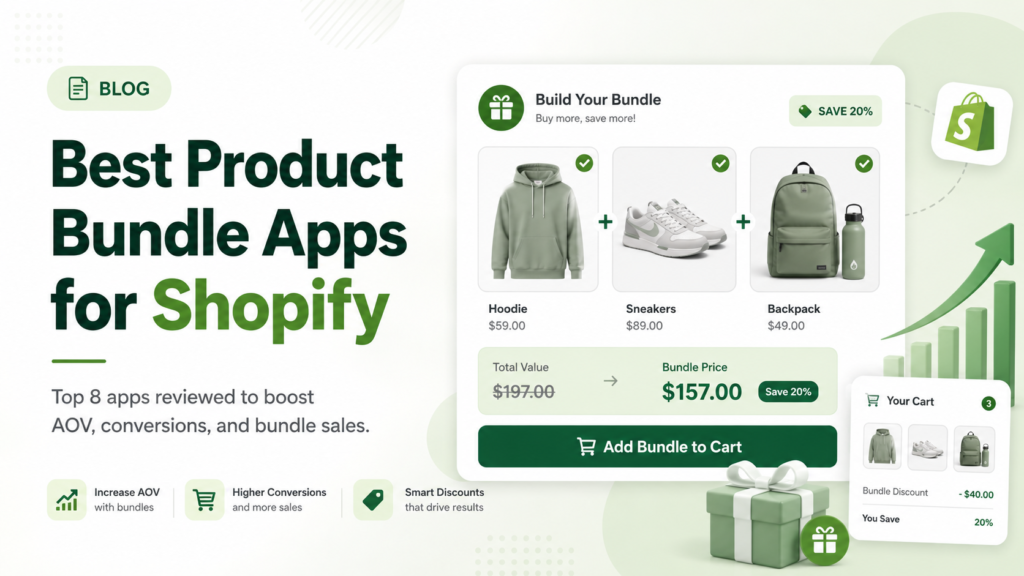
I get asked this question a lot from clients: “What’s the best product bundle app for Shopify?” After 13+ years building on WordPress, Shopify, and Webflow, and after debugging more theme conflicts than I’d like to admit, here’s my honest answer: the best product bundle apps for Shopify right now are Simple Bundles & Kits, Bundler, Fast Bundle, Shopify Bundles, Amplify (formerly PickyStory), Kaching Bundles App & Upsells, BundleJET, and Easy Bundles: Bundle Builder. Which one is actually right for you depends on your catalog size, your theme, and how much you want to hand off to AI versus configure yourself.
I run a Shopify development shop, so bundle apps aren’t theoretical for me. I’ve installed most of these on client stores, debugged conflicts with Liquid sections, and watched which ones actually hold up once a theme gets customized past the default setup. This post is my breakdown of what’s out there, what I’d actually recommend, and where I’ve seen these apps cause headaches.
Content Index
Why I Recommend Bundling to Almost Every Shopify Client
Whenever a client asks me how to raise average order value (AOV) without spending more on ads, bundling is usually one of the first things I bring up. It’s cheap to implement, it doesn’t require new traffic, and it works with the customers you already have coming to the site.
A few reasons it keeps showing up as one of the highest-ROI changes I make for clients:
- It reframes the buying decision. A shopper isn’t asking “should I buy this,” they’re asking “should I take the better deal in front of me.” That shift alone moves AOV more than most sitewide discounts.
- It clears inventory that isn’t moving on its own. Pairing a slower SKU with a bestseller gets it in front of buyers who wouldn’t have found it otherwise, which I’ve used more than once to help a client work through overstock.
- It reduces decision fatigue for gift buyers and first-time customers. A curated kit does the thinking for the customer, which matters a lot during high-intent shopping periods.
- It works across the whole funnel, not just the product page. Cart drawer bundles and post-purchase offers both convert differently than a bundle shown only on the PDP.
The catch, and the reason I never tell clients to build bundles manually as separate products, is that manual bundles mean managing duplicate SKUs, syncing inventory by hand across two listings, and losing the ability to run mix-and-match or quantity break logic. That’s exactly the gap these apps are built to close.
Best Product Bundle Apps for Shopify – Tested by Developers
1. Simple Bundles & Kits
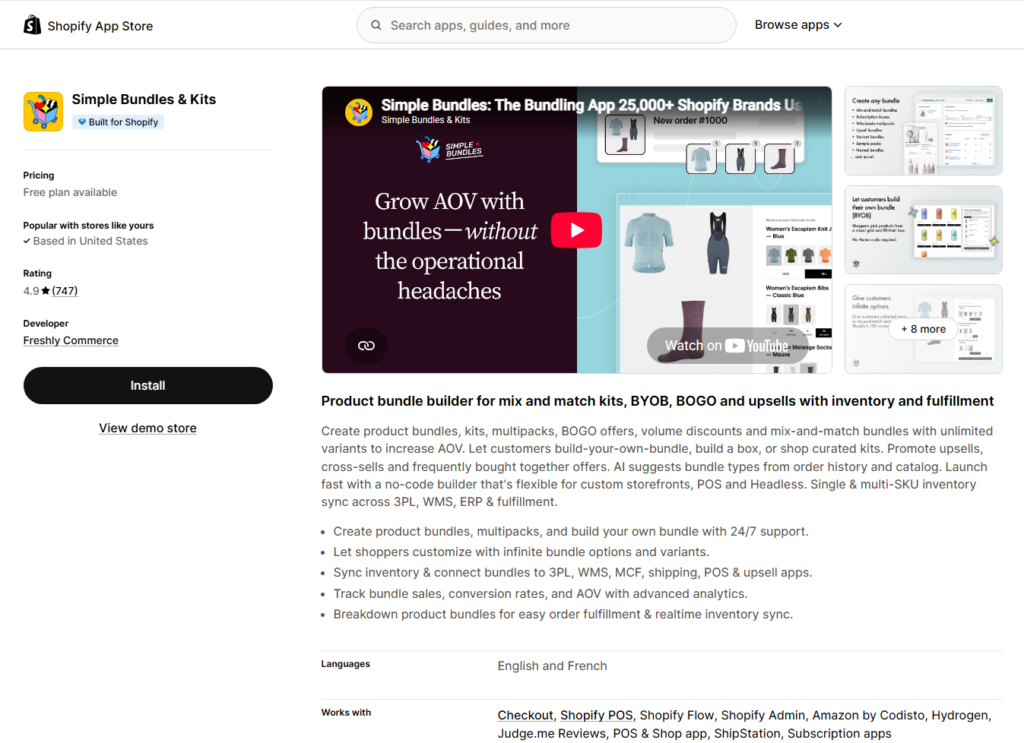
Best for: Larger catalogs with real inventory complexity across multiple fulfillment channels.
This is the one I reach for when a client has a lot of SKUs and an existing 3PL, WMS, or ERP setup. It supports mix-and-match, BYOB, multipacks, and quantity discounts, and syncs inventory across systems rather than treating the bundle as an isolated product. It also has an AI feature that suggests bundle types based on order history.
The bulk import tool matters more than it sounds. For a catalog with hundreds of SKUs, configuring bundles one at a time isn’t realistic, and this app lets you skip that. It also breaks the bundle down at checkout so a fulfillment team can see every component that needs picking and packing, which cuts down on shipping errors on multi-item orders, something I’ve had to troubleshoot for clients using less capable apps.
Pros:
- Strong inventory and fulfillment sync.
- Works with headless and POS setups.
- Bulk import for large catalogs.
Cons:
- More setup time to unlock the advanced features.
- It’s more app than a small single-warehouse store usually needs.
App Store link: apps.shopify.com/simple-bundles
2. Bundler ‑ Product Bundles App
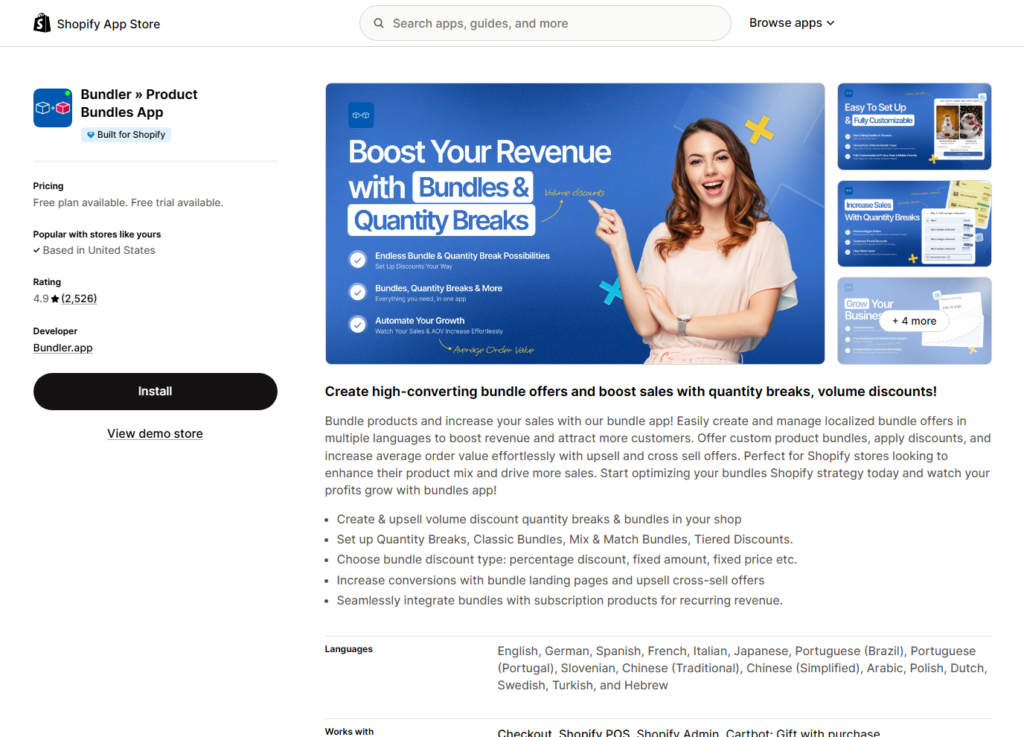
Best for: Clients who want predictable monthly costs, no surprises.
Bundler covers classic bundles, mix-and-match, volume discounts, wholesale discounts, and BOGO, plus bundle landing pages. It plays well with page builders like PageFly and GemPages, and I’ve paired it with subscription apps like Seal Subscriptions without conflicts.
Flat pricing is the reason I keep recommending this one to smaller clients. No revenue-share model to track, no surprise invoice at the end of the month. You can also configure whether the bundle discount combines with or blocks other discount codes at checkout, which gives you actual control over margin during sales periods.
Pros:
- Simple flat pricing.
- Easy first-time setup.
- Works well with page builders.
Cons:
- Fewer AI features than the newer apps.
- Bulk bundle creation for a big seasonal launch is still manual, one bundle at a time.
App Store link: apps.shopify.com/bundler-product-bundles
3. FBP | Fast Bundle & Upsell App
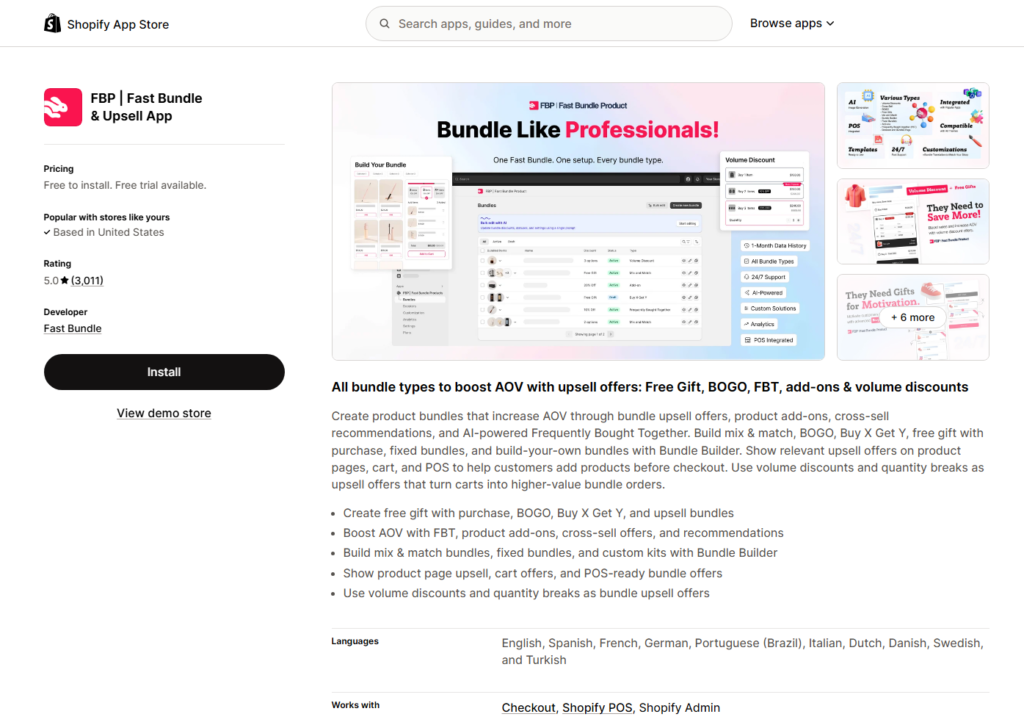
Best for: Stores that want AI doing the merchandising work.
Fast Bundle covers fixed bundles, mix and match, volume discounts, BOGO, and add-ons, with AI-powered Frequently Bought Together suggestions and AI-generated bundle imagery. It also integrates with Shopify POS, so bundles built online sell in-store too.
The AI bulk editing feature is genuinely useful if you’re managing a lot of bundles and don’t want to touch each one individually to update pricing or combinations. The AI image generation also saves time for clients without design resources for custom bundle graphics. Pricing generally starts around $19 per month for stores under a set revenue threshold through the app, scaling from there.
Pros: Broad feature set, AI merchandising tools, strong POS integration. Cons: The app was briefly pulled from the App Store earlier in 2026 before being reinstated, worth knowing if continuity is a concern. Pricing scales with revenue rather than staying flat.
App Store link: apps.shopify.com/fast-bundle-product-bundles
4. Shopify Bundles (Native App)
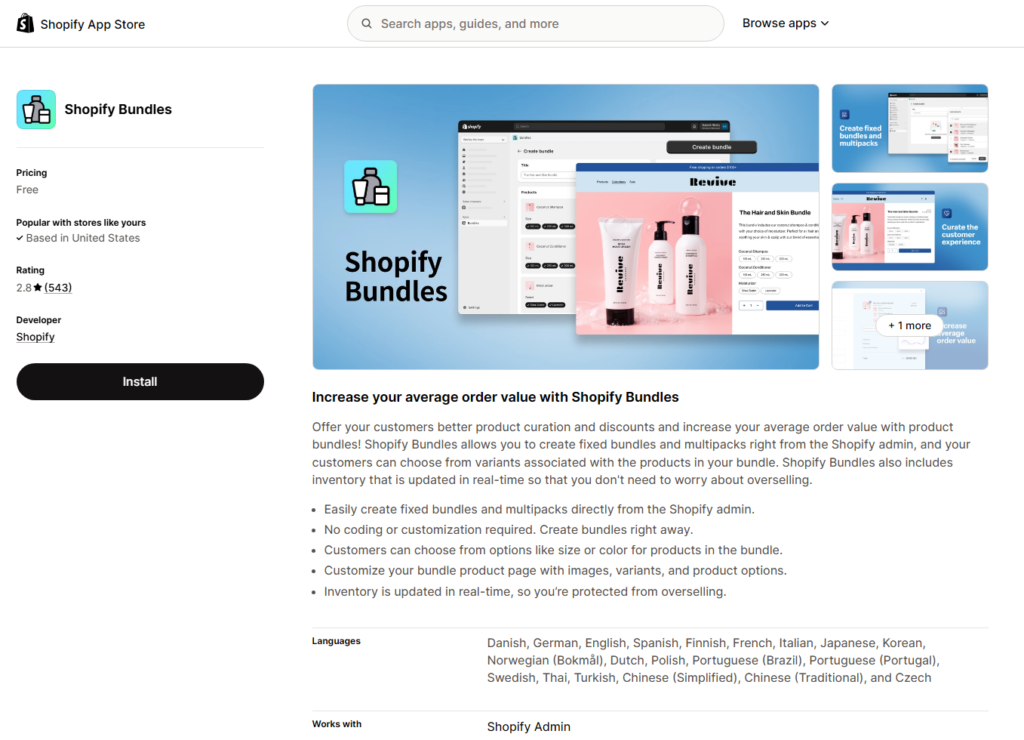
Best for: Testing bundling before spending a dollar on a third-party app.
Built and maintained by Shopify. You create fixed bundles and multipacks right from the admin, and inventory updates in real time so you don’t oversell a bundle when a component runs out.
This is where I usually tell a new client to start if they’ve never bundled before. It’s free, tightly integrated, and supports a long list of storefront languages out of the box, which is nice for stores selling internationally. The limitation is that it caps bundles at 3 options and around 100 variant combinations, so a bundle of two apparel items with color and size options can hit that ceiling fast.
Pros: Completely free, no third-party app to manage, wide language support. Cons: Limited to 3 options and roughly 100 variant combinations. No mix-and-match, BOGO, or volume discount support.
App Store link: apps.shopify.com/shopify-bundles
5. Amplify | Bundles & Upsell (formerly PickyStory)
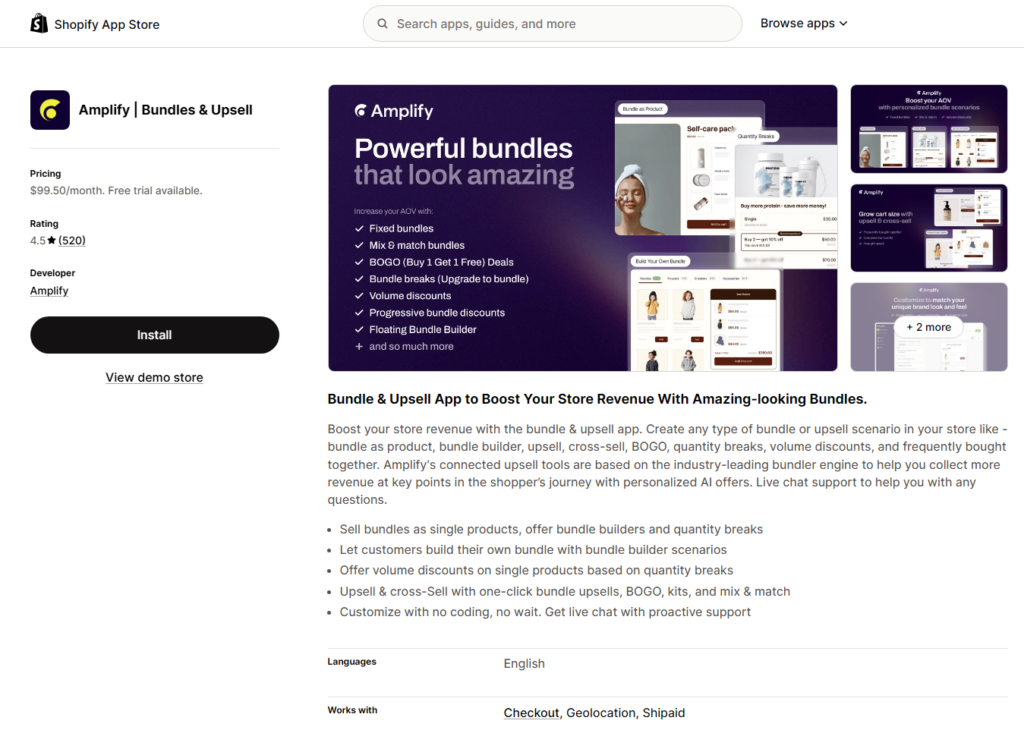
Best for: Clients who want bundling, lookbooks, and post-purchase upsells under one roof.
Amplify (rebranded from PickyStory) offers a bundle builder, BOGO, quantity breaks, mix-and-match, “shop the look” lookbooks, and a slide cart with tiered rewards. It’s more of a conversion suite than a single-purpose bundle app.
The lookbook and shop-the-look features stand out among bundle apps and are worth considering for apparel or home goods clients who want styled groupings rather than plain discount bundles. That said, I’ve seen merchant reviews flag unexpectedly high charges once revenue attribution and commission billing come into play, so I always tell clients to read the pricing page closely and ask support directly how charges are calculated before migrating a full catalog over.
Pros: Bundling plus upsell and cart tools in one app, unique lookbook feature. Cons: Commission-based billing has drawn some criticism in reviews, and support experience has been inconsistent according to merchant feedback.
App Store link: apps.shopify.com/product-kits-bundles-pickystory
6. Kaching Bundles App & Upsells
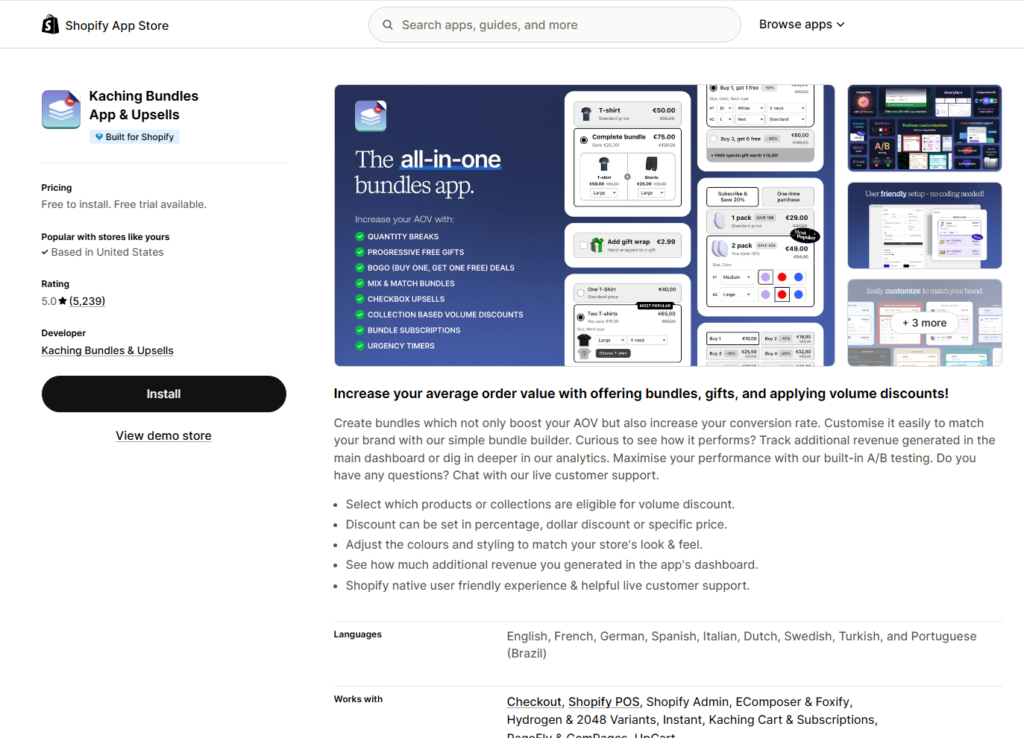
Best for: Straightforward quantity breaks and BOGO, without a lot of extra setup.
Kaching is built around volume discount bundles and BOGO offers, using Shopify Functions so nothing touches your theme code directly. It includes A/B testing for offers and works with GemPages.
I like recommending this one when the client’s only real need is “buy more, save more” logic without complex mix-and-match configuration. It supports tying bundle sizes to subscription delivery frequency, useful for consumable brands. Support has consistently been responsive when helping troubleshoot migration issues, including inventory or fulfillment-location settings that can otherwise throw checkout errors.
Pros: High review volume and rating, generous free tier, fast performance since it doesn’t edit theme code, subscription compatible. Cons: Narrower focus than all-in-one apps, not built for complex mix-and-match catalogs.
App Store link: apps.shopify.com/bundle-deals
7. BundleJET
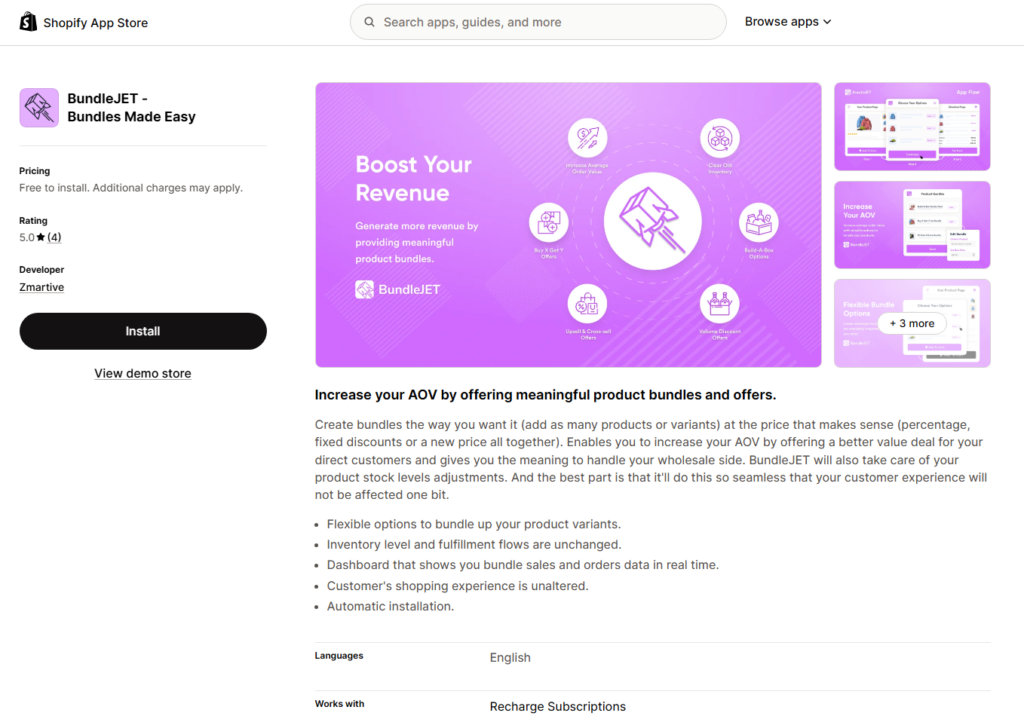
Best for: Stores selling to both retail and wholesale customers.
BundleJET supports Buy X Get Y, build-a-box, volume discounts, and cross-sell offers, with automatic stock adjustment as bundles sell. It handles both D2C and wholesale pricing structures reasonably well.
Clients switching to BundleJET from a frustrating prior experience elsewhere often mention that setup felt more straightforward than expected, and that support was responsive for customization requests. Category-specific bundle rules are one of its more flexible features, letting you run different logic for apparel versus accessories inside the same store.
Pros: Free to install, flexible discount configuration, category-specific rules. Cons: Learning curve for highly customized setups across many categories, documentation could be better for beginners.
App Store link: apps.shopify.com/bundlejet
8. Easy Bundles: Bundle Builder
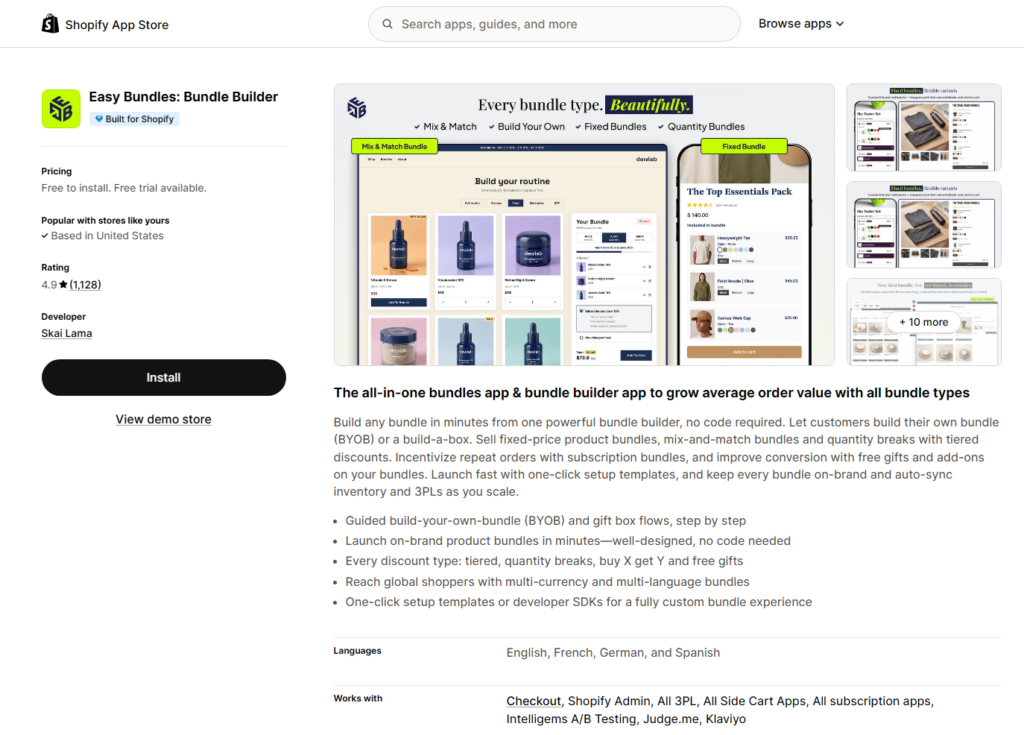
Best for: Clients whose product strategy is built around customer-curated bundles.
Easy Bundles lets shoppers assemble their own bundles or use build-a-box templates, supporting fixed-price bundles, mix-and-match, and tiered quantity break discounts. It also offers developer SDKs, which I’ve used on a custom build when the no-code template wasn’t enough.
If a client’s product strategy leans toward a build-your-own snack box, skincare routine, or gift set rather than pre-made kits, this is the one I bring up. The one-click templates get a basic BYOB flow live quickly, and the SDK is there if you (or your developer) need a fully custom interface matching a bespoke theme.
Pros: No-code templates for common use cases, developer SDK for custom builds, strong BYOB experience. Cons: Best suited to stores that specifically want a build-your-own flow, and pricing is trial-based rather than a permanent free plan.
App Store link: apps.shopify.com/bundle-builder
Types of Bundles in Shopify
Before I get into specific apps, it’s worth walking through the actual bundle types, since this is where a lot of the “which app should I use” confusion comes from. Not every app supports every type, so knowing which one you need narrows the decision fast.
- Fixed Bundles: A set group of products sold together at one price, like a starter kit with three defined items. No swapping allowed. This is the type Shopify’s own native Bundles app handles, and it’s the simplest to set up.
- Mix and Match: The customer picks any combination from a defined collection to unlock a discount, such as “pick any 4 for $60.” I like recommending this for stores with a lot of similarly priced SKUs, like skincare or snack brands.
- Build Your Own Bundle (BYOB) / Build-a-Box: A step further than mix and match, usually with a visual “build your box” interface and a wider product range. The customer keeps adding until they hit a minimum, maximum, or fixed quantity.
- Volume Discounts (Quantity Breaks): Price per unit drops as quantity goes up, like “buy 2, save 10%, buy 4, save 20%.” This is the easiest bundle type for a client to understand and the one I usually suggest first if they’ve never run a bundle before.
- Buy X Get Y (BOGO): The customer gets a free or discounted item after a qualifying purchase. Effective for clearing inventory and introducing a new product at low risk to the customer.
- Frequently Bought Together (FBT): AI-driven suggestions of complementary products based on past order history, shown on the PDP or in the cart. Lighter touch than a pre-set kit since the customer adds with one click.
- Cross-Sell and Upsell Bundles: Shown in the cart drawer or at checkout. Because the shopper already has buying intent at this stage, I’ve consistently seen cart-based offers convert better than PDP-only bundles.
- Subscription Bundles: A bundle tied to a recurring order, where the discount can apply to every delivery or just the first one. Common for consumables, coffee, and supplement brands I’ve worked with.
- Wholesale or B2B Bundles: Bundles priced differently for wholesale accounts, usually gated behind a customer tag or login. I’ve built custom gating like this for B2B clients before third-party apps caught up with native support for it.
Most stores don’t need all of these at once. The apps below differ mainly in how many of these types they cover and how much control you get over each one.
What I Look for Before Recommending a Bundle App to a Client
- Bundle types supported. Fixed bundles are the baseline. If a client needs mix-and-match, BOGO, or build-a-box, that narrows the list fast.
- Inventory sync. The app needs to pull from real component stock rather than forcing a separate SKU per bundle combination. This is a dealbreaker for anything with a real inventory system behind it.
- Where the bundle actually shows up. Product page widgets, cart drawer upsells, and post-purchase offers all convert differently, and I usually push clients toward testing cart-based bundles first.
- Checkout and discount compatibility. I’ve seen bundle discounts conflict with existing discount codes more than once. Always confirm how the app handles stacking before launch.
- Theme performance. Apps built on theme app blocks and Shopify Functions load asynchronously and don’t touch theme code directly, which matters a lot for Core Web Vitals. Older apps that inject code into theme files can quietly hurt page speed.
- Pricing model. Flat monthly fee versus a percentage of revenue generated through the app. I always read this fine print with clients before they commit.
- Migration and bulk import. If a client is coming off an app that shut down or changed pricing, a bulk import tool saves real time versus rebuilding bundles by hand.
- Reporting. You want to know which bundles are driving incremental revenue instead of just cannibalizing full-price sales.
How I’d Choose Between Them
If a client asks me to just pick one, here’s roughly how I break it down:
- Testing bundling for free first: start with native Shopify Bundles.
- High-SKU catalog, multiple fulfillment channels: Simple Bundles & Kits.
- Flat, predictable pricing matters more than AI features: Bundler.
- Want AI-assisted merchandising and are fine with usage-based pricing: Fast Bundle.
- Just need quantity breaks and BOGO, nothing fancy: Kaching.
- Want bundling plus upsells and lookbooks in one app: Amplify, with pricing terms reviewed carefully first.
- Product strategy is customer-curated bundles: Easy Bundles.
- Selling to both retail and wholesale: BundleJET.
I’d still install your top two candidates on a development store and actually test the setup experience before committing a live catalog to any of them. That’s what I do for clients, and it’s saved more than one migration headache down the line.
Frequently Asked Questions
What is the best free Shopify bundle app?
Shopify Bundles, the native app, is completely free but limited to simple fixed bundles. Among third-party apps, Simple Bundles & Kits, Bundler, BundleJET, and Kaching Bundles App & Upsells all have usable free plans before you’d need to upgrade.
Do Shopify bundle apps work with existing discount codes?
It depends on the app. Shopify limits how native discount types combine, so most bundle apps run their own discount logic rather than relying on standard discount codes. I always confirm this with each app’s documentation before launch, since stacking behavior varies.
Will a bundle app slow down my store?
Apps built on theme app blocks and Shopify Functions, like Kaching and Shopify Bundles, load asynchronously with minimal impact on speed. Apps that edit theme code directly can affect load times like LCP. Check how an app injects its widget before installing, and if you’re not sure, ask a developer to check the theme code after installation.
What’s the difference between mix-and-match, BOGO, and quantity break bundles?
Mix-and-match lets shoppers pick any combination from a collection for a set discount. BOGO gives a free or discounted item after a qualifying purchase. Quantity breaks lower the per-unit price as more of the same or related items get added to the cart.
Can I run more than one bundle app at once?
Technically yes, but I don’t recommend it. Two bundle apps running together can create conflicting discount logic, duplicate inventory adjustments, or bundles that render incorrectly on the storefront. Pick one app that covers what you need and configure it properly.
What happens to my bundles if I switch apps later?
Depends on both apps involved. Simple Bundles & Kits and BundleJET offer bulk import tools that speed up migration, while others require manual rebuilding. Export whatever bundle data you can before switching, and check the new app’s support team for migration help if you’re dealing with a large number of active bundles.
How much do Shopify bundle apps cost?
Pricing varies. Native Shopify Bundles is free. Third-party apps generally run from free plans up to $20 to $60 per month for advanced features, and a few charge a percentage of revenue generated through the app instead of a flat fee. Always check the current pricing on the app’s Shopify App Store listing since plans change often.
Final Thoughts
Bundling is one of the few Shopify tactics that consistently pays off regardless of niche, and picking the right app comes down to matching the tool to your catalog and pricing tolerance rather than chasing whichever app has the most reviews. Start with what’s free if you’re testing the waters, and move up to a more capable app once you know which bundle types actually move the needle for your customers.
All app names, features, and links above were accurate on the Shopify App Store at the time of writing. Pricing and reviews change frequently, so double-check the current listing before installing anything on a live store.